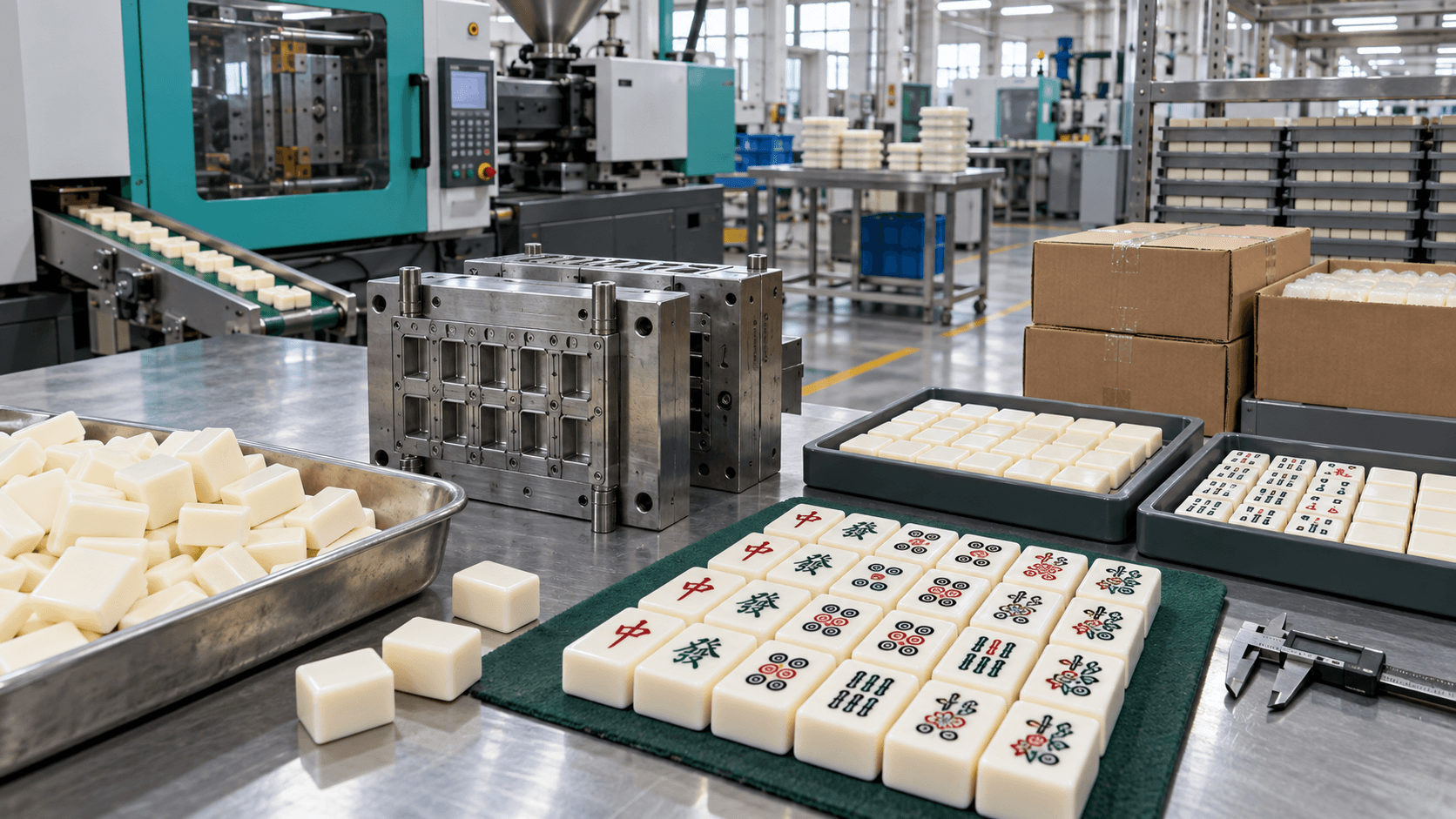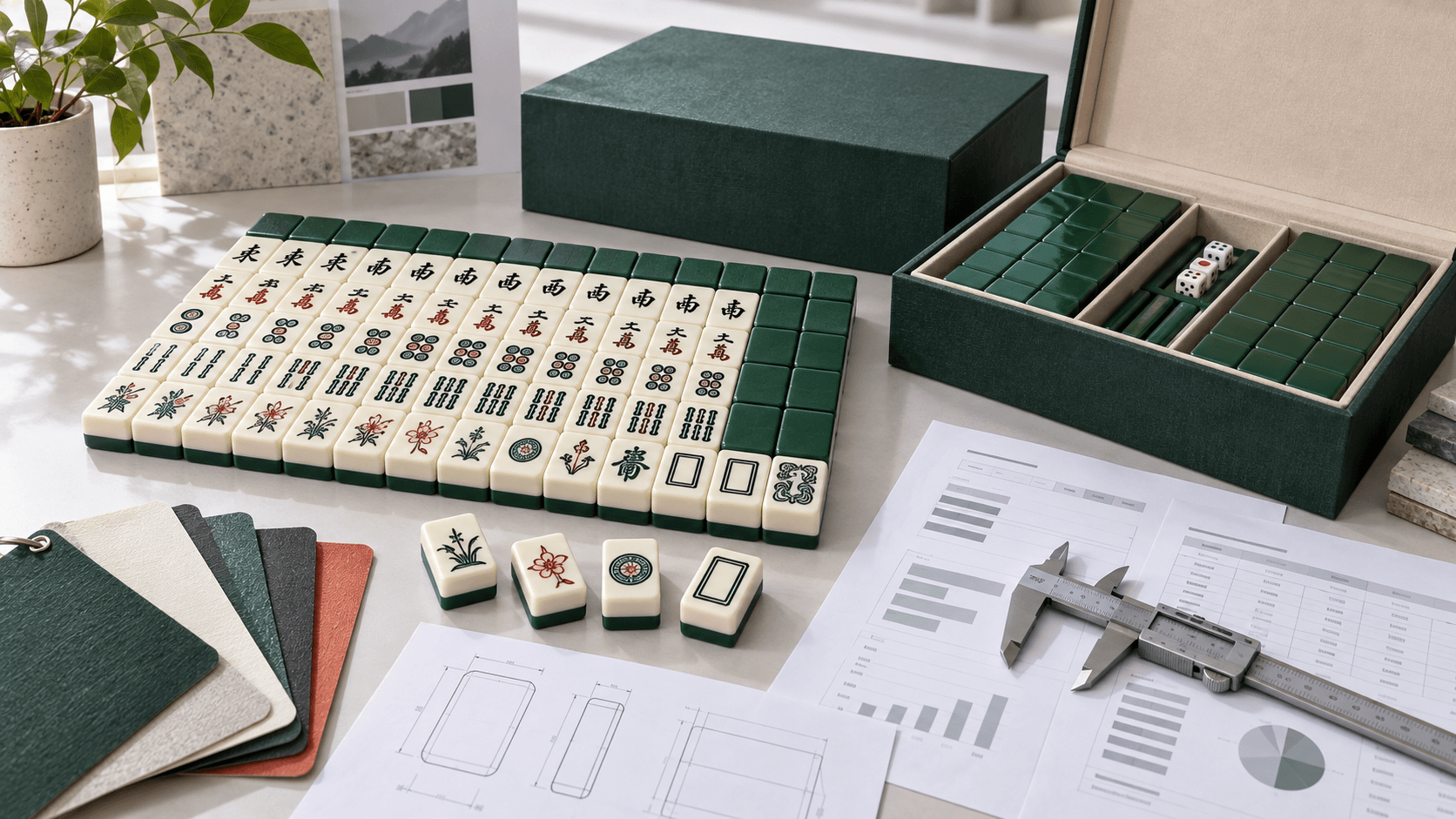

A Mahjong artwork file can look finished on screen and still be unready for production. Tile faces wrap around a physical geometry, symbols must remain readable at table distance, colors behave differently on material than on a monitor, and a tiny revision error can multiply across a full set. This mahjong artwork preparation guide treats artwork as a production input rather than a decorative attachment.
The handoff goal is simple: the factory should know what to make, the inspector should know what to check, and the buyer should know which revision was approved. The workflow below covers briefing, face schedules, vector construction, color, geometry, proofing, packaging, and final release.
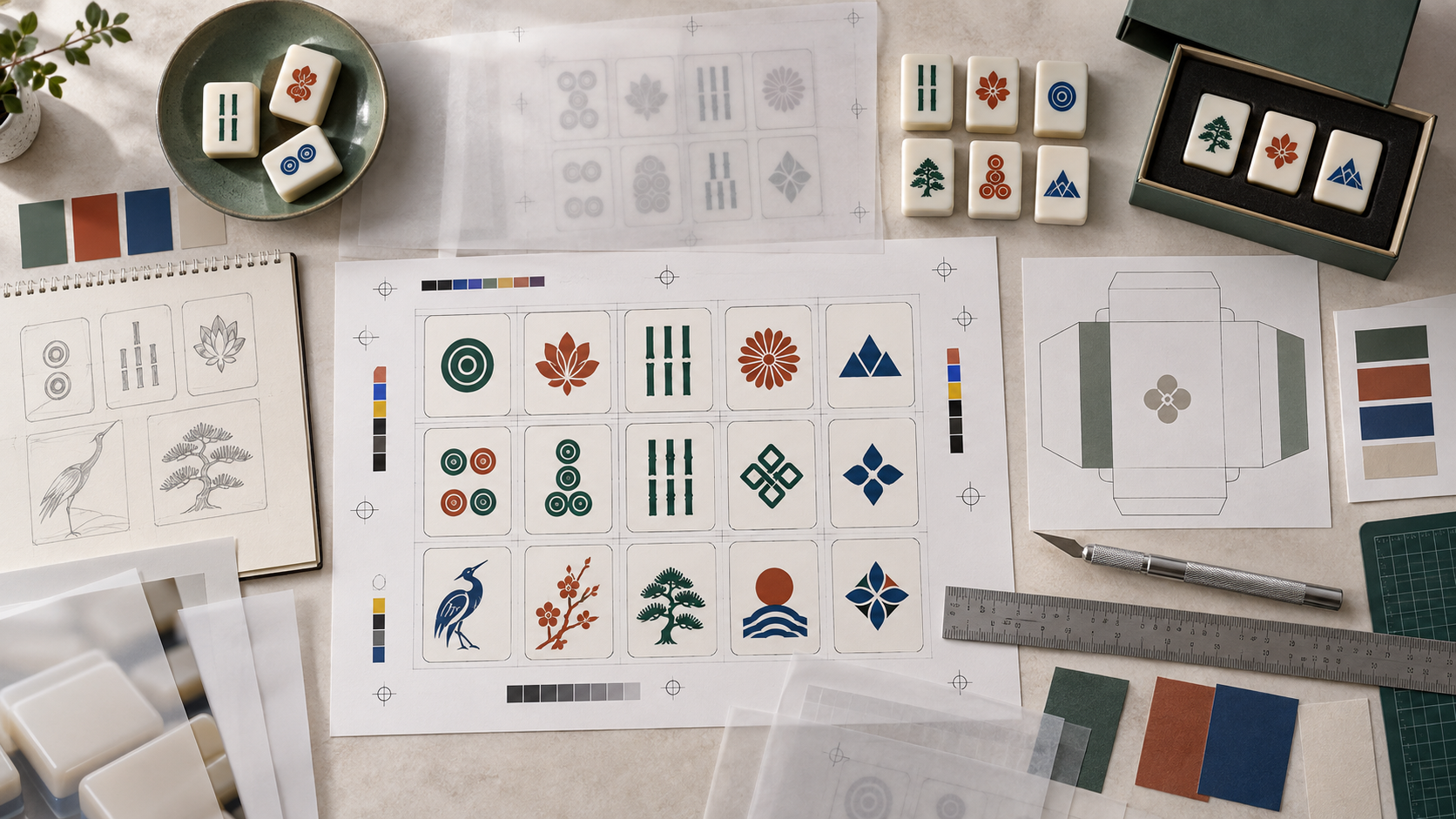
Begin with a face schedule, not a folder of drawings
A face schedule is the control sheet for the set. List every unique face, the number of copies, the face code, the intended color, the artwork file name, and any production note. Include blanks, jokers, flowers, winds, dragons, bonus tiles, markers, or regional variations that apply to the chosen play system.
Give the schedule a revision number and a date. If the artwork changes, update the schedule and the file names together. A factory should never have to guess whether “final,” “final2,” or a message attachment is the released version. The schedule also makes inspection faster because the team can compare the packed set against a known count.
| Face schedule field | Example purpose | Why it prevents rework |
|---|---|---|
| Face code | Unique identifier for each artwork | Connects drawing, sample, inspection, and reorder records |
| Quantity per set | Number of copies required | Prevents missing or extra pieces |
| Color reference | Named swatch or physical standard | Gives production a target beyond screen color |
| Process note | Print, engraving, paint fill, foil, or other method | Aligns artwork expectations with manufacturing capability |
| Approval status | Draft, proof, sample, released | Stops an early concept from entering production |
Build artwork for the real tile geometry
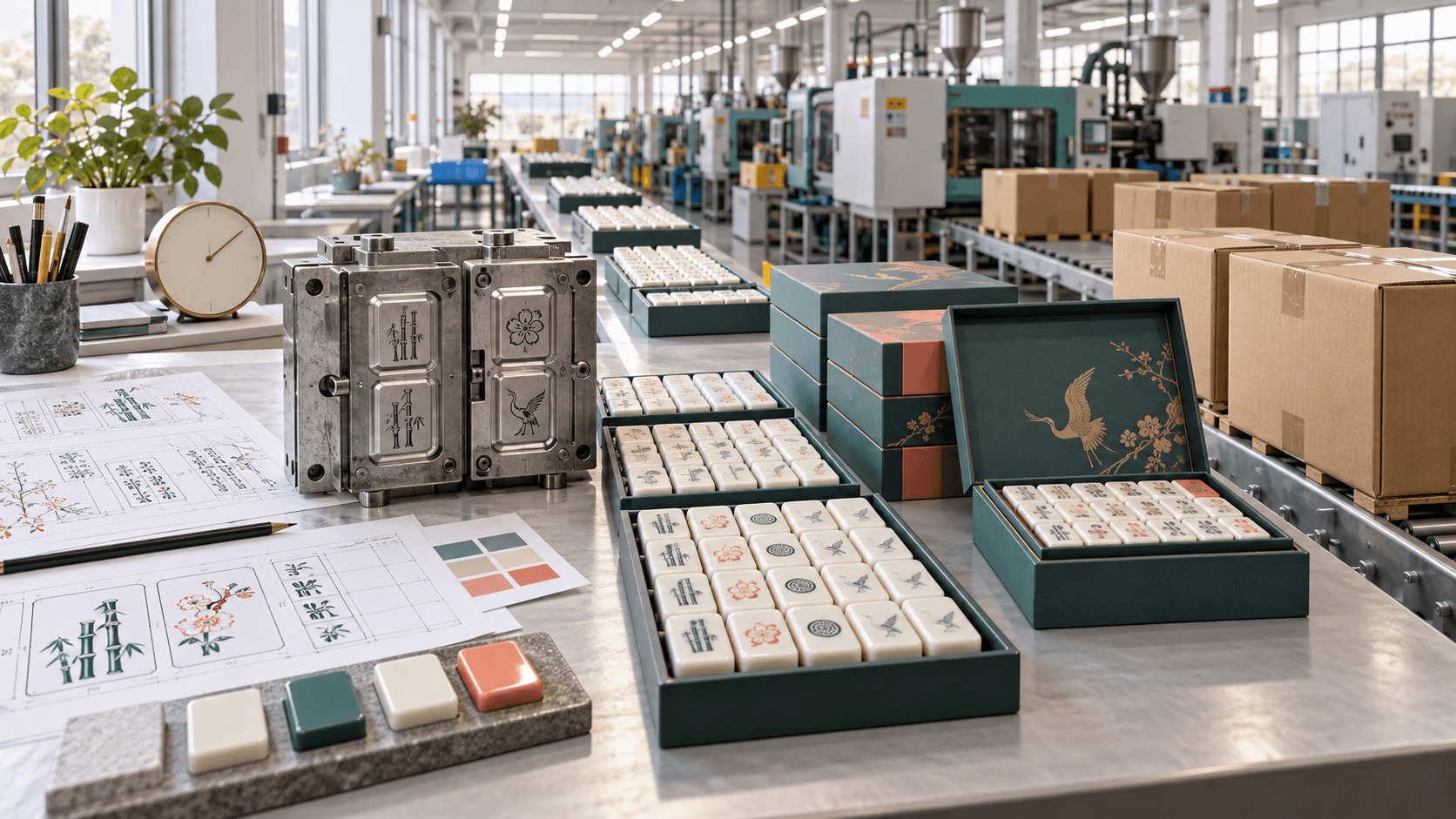
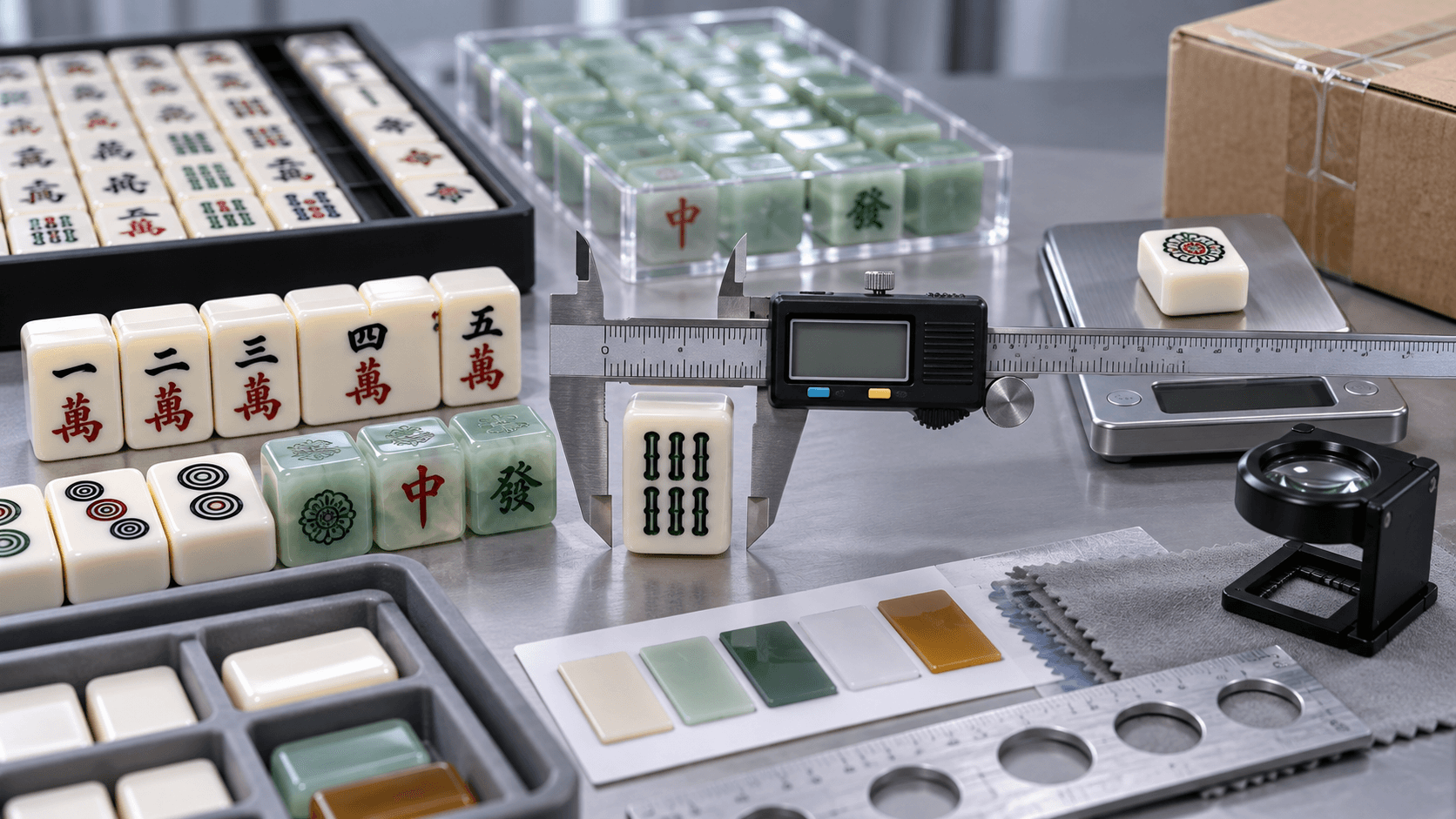
Ask the factory for the production drawing before finalizing faces. Confirm tile length, width, thickness, usable face area, edge radius, engraving or print zone, back treatment, and any relief or bevel. A design that reaches the edge of a flat rectangle may clip when transferred to a rounded tile. A thin line may disappear in a shallow engraving or fill with paint.
Keep important marks away from edges and corner transitions. Use a safe area for symbols and an intentional bleed only when the production method supports it. Check orientation and rotation on every face. For a double-sided or top-and-bottom process, state which surface is viewed from which direction; “rotate as needed” is not a production instruction.
The tile design for manufacturing guide explains why artwork, geometry, material, and inspection need to be developed together.
Choose production-ready file formats
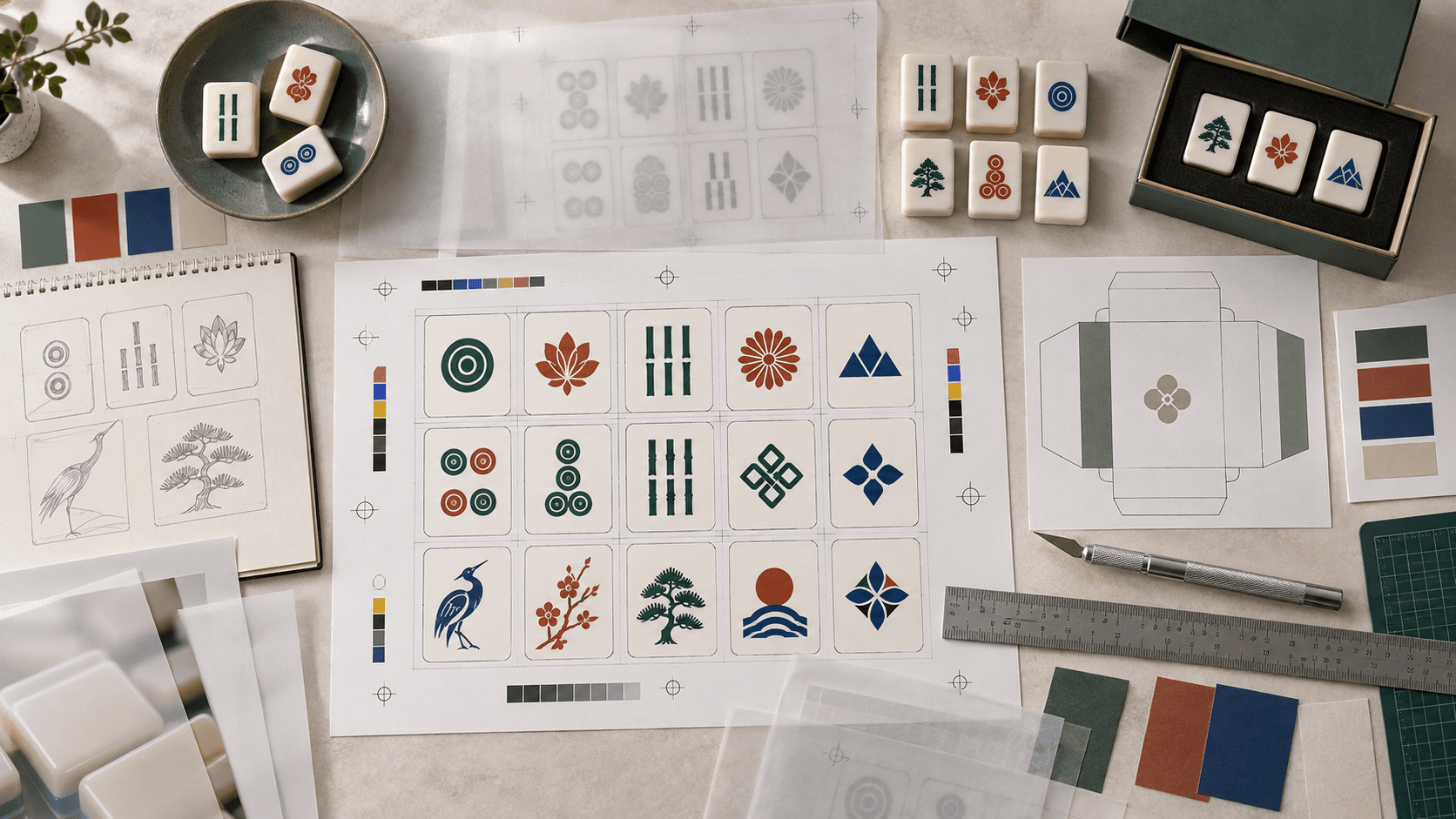
Use vector artwork for logos, symbols, line work, and type. Supply the native working file only when the factory can handle the format and the ownership terms are clear; also export a stable production PDF or equivalent reference. Embed or outline fonts, link or package images, and avoid relying on a designer’s local color library that the production team cannot access.
Keep layers meaningful: cut or safe-area guides, artwork, color fills, notes, and dimensions should be distinguishable. Do not flatten the only file. If a raster texture or illustration is required, state its resolution and the physical size at which it will be reproduced. A small web image can look acceptable on screen and become visibly soft on a tile or box.
Package the release with a file manifest. The manifest should list file name, revision, format, purpose, checksum or export date when your team uses one, and whether the file is reference-only or production-authorized.
Use color references that survive the screen-to-material gap
Screen color is a direction, not a physical guarantee. State the target color using a recognized reference, a physical swatch, or a factory-approved color chip. Identify the substrate, finish, and process because the same pigment can look different on an ivory tile, a dark back, coated paper, or woven fabric.
Limit unnecessary colors when cost, registration, or inspection risk matters. A face system with five carefully chosen inks may be more repeatable than a complex gradient that the process cannot reproduce consistently. Approve a physical color sample under an agreed light condition and retain it with the golden sample.
If the product uses a special red, green, or metallic effect, ask how it will be mixed, recorded, replenished, and checked on the next order. Color names such as “classic jade” are useful marketing language but not enough for production control.
Separate design approval from manufacturing approval
Design approval asks whether the face looks correct: symbol, proportion, spacing, color direction, and brand expression. Manufacturing approval asks whether the supplier can reproduce it on the approved material and geometry using the agreed process. They can be reviewed in one meeting, but they should be recorded as separate decisions.
- Artwork proof: confirms the digital face, count, orientation, and file revision.
- Process proof: confirms the proposed print, engraving, fill, or transfer method.
- Physical tile proof: confirms material, geometry, color, contrast, and readability.
- Complete-set sample: confirms the face schedule, accessories, rack fit, and pack-out.
- Release sample: becomes the reference for production and inspection.
Every gate should state approved, approved with listed deviations, or revise and resubmit. A screenshot with “looks good” is difficult to defend when a later question appears.
Prepare artwork for decoration and inspection
Include a mark-up that shows registration tolerance, minimum line or gap expectations, orientation, and areas where a small shift is acceptable. Provide examples of pass and fail for a face that is close to an edge, a symbol with fine detail, a back pattern, and a two-color registration. The goal is not to create a perfect-looking sample and vague production; it is to make the acceptance boundary visible.
Ask how the factory will identify artwork on the line. A face code, tray map, print plate reference, or work instruction can reduce mix-ups. If one set has similar symbols or multiple language inserts, add a visual verification step before packing.
Connect packaging artwork to the tile release
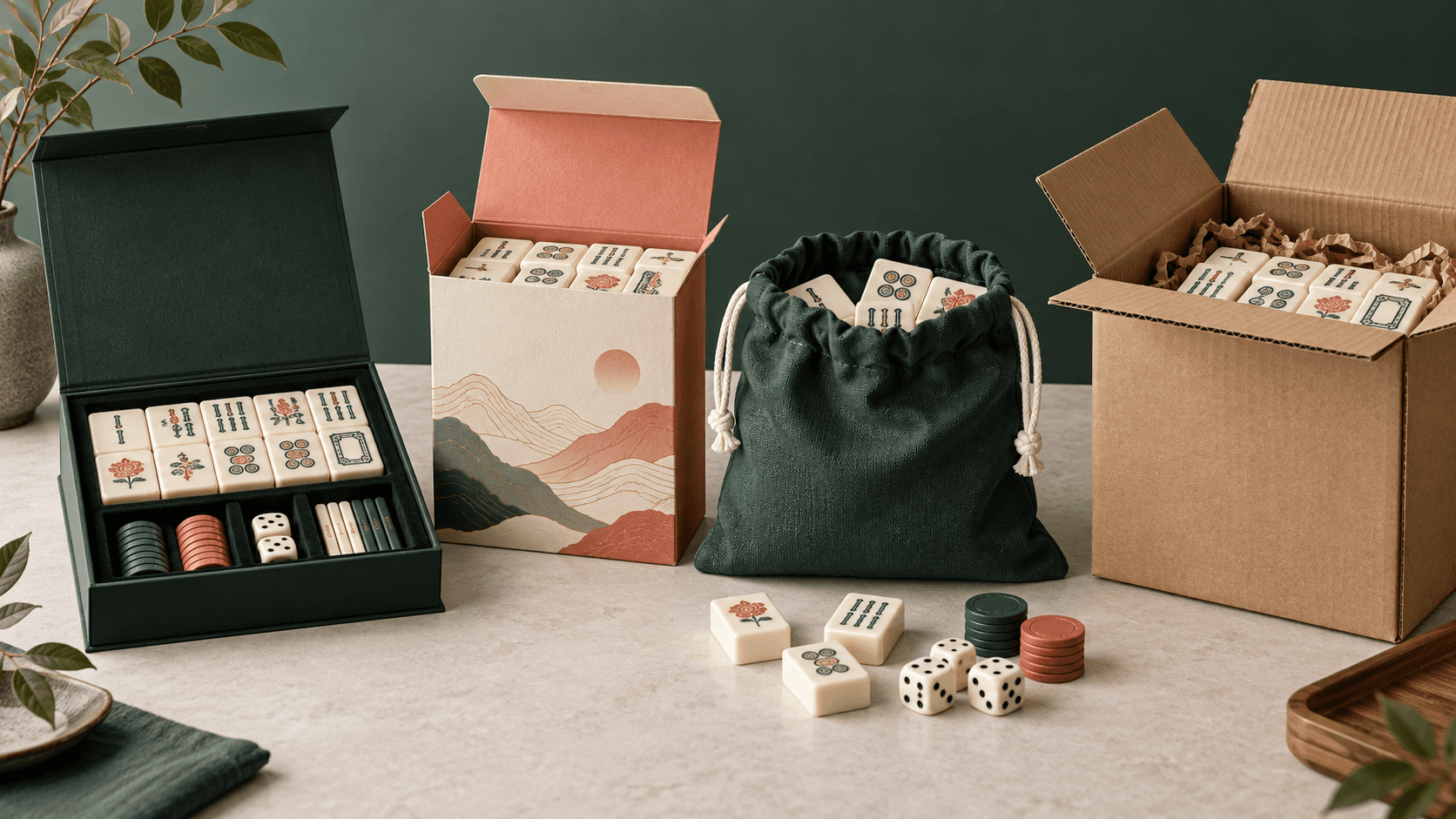
Packaging is part of the artwork system. Confirm the box dimensions, insert pockets, tile orientation, accessory locations, label panels, barcode quiet zones, and language versions. A beautiful outer sleeve does not compensate for a tray that presses the tile faces or a label that covers the closure.
The custom packaging guide can help align the retail panel, insert, case, and transport carton with the product file. Keep packaging files in the same revision system as the face artwork.
Use a handoff checklist before the first sample
| Handoff item | Release question | Owner |
|---|---|---|
| Product drawing | Does the artwork match the actual usable geometry? | Engineering and designer |
| Face schedule | Are codes, counts, rotations, and versions complete? | Product owner |
| Vector package | Are fonts, links, layers, and exports controlled? | Designer |
| Color references | Is there a physical or named standard for each key color? | Designer and factory |
| Proof plan | Which proof must be approved before the next one? | Project manager |
| Inspection notes | What counts as a pass for placement, contrast, and finish? | QC and buyer |
| Packaging files | Do pack-out, labels, and transport cartons match the set? | Packaging owner |
Keep a reorder package, not just a download link
At release, archive the approved artwork package, face schedule, color chips, product drawing, process notes, sample photos, golden sample identifier, packaging files, inspection plan, and deviations. Record which files are buyer-owned, supplier-owned, licensed, or restricted. The reorder package should tell a new project member what was approved without requiring a search through old messages.
When a supplier proposes a substitute material, tool change, or decoration change, treat it as a new approval question. “Same as last time” is useful only when “last time” points to a named revision and retained sample.
For process governance, the ISO 9001 quality management overview is a useful external reference for controlled records, responsibilities, and continual improvement; apply the ideas to the project scope rather than claiming certification.
Keep the physical review connected to the sample approval process so artwork decisions are confirmed on the real tile.
FAQ
What is a Mahjong artwork preparation guide used for?
It turns creative artwork into production-ready files, face schedules, color references, geometry checks, proof gates, and inspection instructions that a factory can reproduce.
Should Mahjong artwork be supplied as vector files?
Vector files are useful for symbols, logos, line work, and type because they preserve editable geometry. Also supply a stable export and a manifest so the production team knows which file is authorized.
What is a face schedule?
It is a controlled list of every unique face, code, quantity, color, file revision, and production note required for the set.
How do I prevent artwork from clipping on a tile?
Use the real production drawing, define a safe area, account for edge radius and process limits, and approve a physical tile proof before releasing the set.
Are screen colors enough for production?
No. Use a named or physical reference, identify the material and finish, and approve a production color sample under an agreed viewing condition.
When should fonts be outlined?
Outline fonts in the production export when the factory does not have the licensed font. Keep a working file with editable text in the controlled design archive.
How many artwork proof stages are needed?
The number depends on risk, but separate digital proof, process proof, physical tile proof, complete-set sample, and release sample when the product is highly customized.
Who approves artwork changes?
Name the buyer-side approver and the factory-side technical owner. A change should identify the revision, reason, affected files, and whether a new physical sample is required.
Does packaging artwork belong in the same file system?
Yes. Packaging affects fit, labels, language, barcodes, and the customer experience. Link its revision to the tile artwork and component list.
What should be saved for a reorder?
Save the released files, face schedule, colors, drawing, process notes, sample reference, packaging, inspection plan, ownership terms, and approved deviations.
Make the artwork package a manufacturing tool
The strongest mahjong artwork preparation guide does more than improve a visual. It gives engineering, production, QC, packaging, and the buyer a shared language for the same product. That is how a creative idea survives tooling, sampling, inspection, and the next reorder.
Send your artwork status, tile drawing, face schedule, color direction, packaging concept, quantity, and target market through the ABC Mahjong contact page to review the next production handoff.